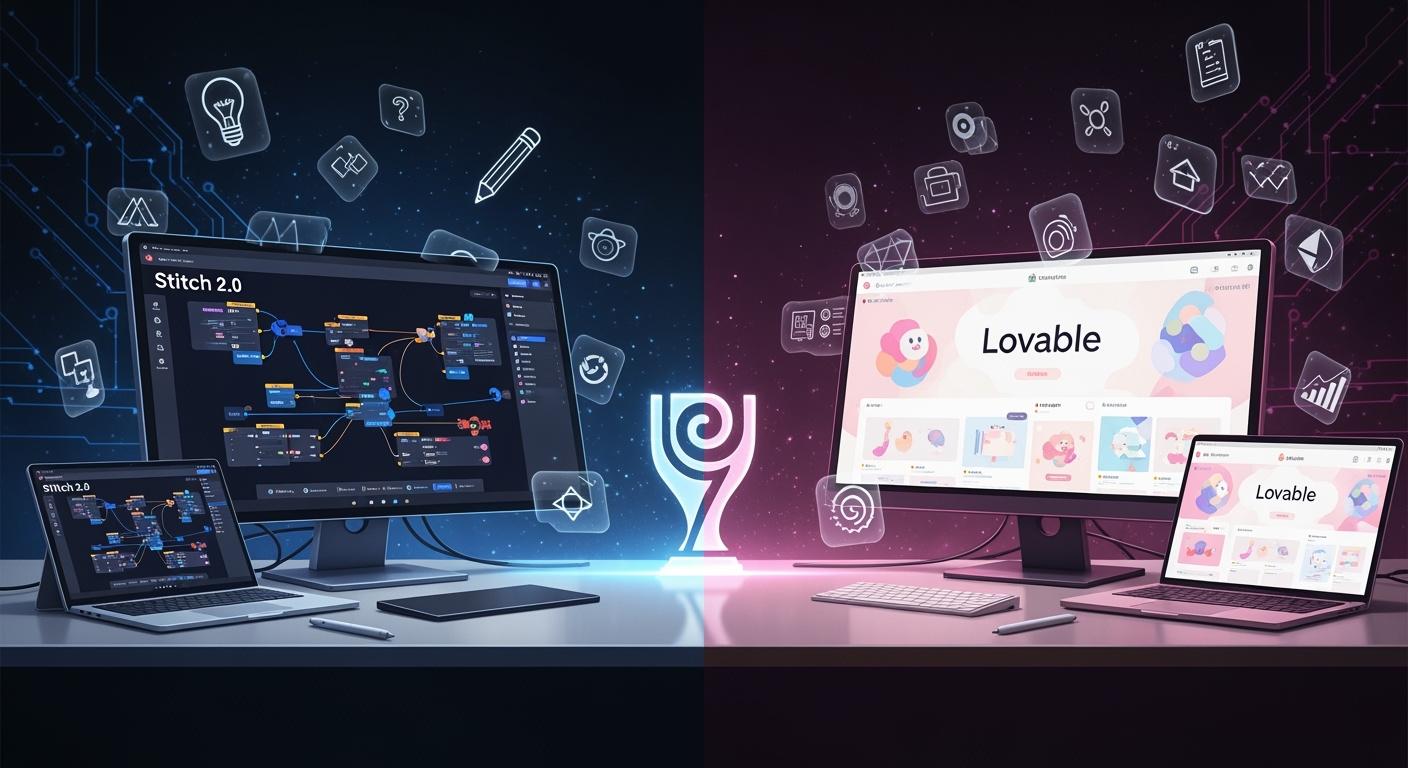
Comparing Key Features of Two Tools
Explore the strengths of Stitch 2.0 and Lovable.
Features | Stitch 2.0 | Lovable |
|---|---|---|
Core use case | Best for fast UI exploration. | Best for quick app shipping. |
Killer differentiator | AI-native canvas for design iteration. | Chat-to-app flow for rapid validation. |
Performance and limits | Strong at high-fidelity UI ideation. | Fast end-to-end prototype creation. |
Ecosystem and ramp | Lower barrier for mixed product teams. | Simple for non-engineers with fewer tool switches. |
Collaboration and handoff | Smoother bridge across design and development. | One surface from ideation to launch. |
ROI | Value in frequent design direction changes. | Best ROI for quick validation and launch. |
You want a clear winner for 2026. Lovable stands out if you need to ship apps fast, while Stitch 2.0 shines in early-stage design and quick visual exploration. Designers and teams care about speed, accessibility, and ease of use. Here’s how these tools stack up:
Stitch 2.0 helps you explore UI layouts from prompts or visuals.
Lovable lets you build and launch prototypes quickly, handling the whole product flow.
Key Takeaways
Stitch 2.0 is great for making detailed designs fast. This helps teams who care about how things look and want to explore ideas. Lovable lets you make prototypes and launch apps quickly. It is good for teams who need to release products fast and do not need a lot of design work. Both tools have free versions. You can try them and see which one works best for your team.
Features
Speed & Performance
When you want to move fast, both Stitch 2.0 and Lovable offer impressive speed, but they focus on different things. Stitch 2.0 lets you turn prompts, sketches, or even voice commands into high-fidelity UI designs in seconds. You can explore many ideas quickly and see instant previews. Lovable, on the other hand, helps you go from a simple prompt to a working app with built-in hosting and database support. If you need to launch a prototype right away, Lovable gives you that end-to-end speed.
Code Quality
You care about what comes out at the end. Stitch 2.0 exports clean HTML and CSS, and you can send your designs straight to Figma. This is great if you want to polish your UI before handing it off. Lovable generates TypeScript and React code, plus it handles backend setup with Supabase and built-in authentication. If you want a full-stack app ready to deploy, Lovable covers more ground.
Integration
Here’s a quick look at how these tools fit into your workflow:
Feature | Stitch 2.0 | Lovable |
|---|---|---|
Yes | No | |
GitHub sync | No | Yes |
Backend generation | No | Yes |
Custom domain support | No | Yes |
Voice interaction | Yes (upcoming) | No LinkStart AI RadarJoin our Telegram community for more AI updates! |
Stitch 2.0 works well if you already use Figma or want to stay in the Google ecosystem. Lovable is a good pick if you want everything in one place, including code and deployment.
Scalability
If your team grows or your project gets bigger, you want a tool that keeps up. Stitch 2.0 makes it easy for designers, PMs, and mixed teams to jump in and start designing together. Lovable scales well for lean teams that want to ship products fast, with built-in tools for authentication and database management. You can connect a custom domain and sync with GitHub, which helps as your project expands.
Tip: If you want to explore lots of design ideas and hand off polished screens, Stitch 2.0 is a strong choice. If you need to launch a working app quickly, Lovable might fit better.
Design Output

UI Fidelity
You want your designs to look sharp and feel real. Stitch 2.0 gives you high-fidelity screens that match what you see in top apps. You can tweak colors, layouts, and details until everything looks just right. Lovable focuses on completeness. You get a full app with working buttons, forms, and navigation. The UI might not always look as polished as Stitch 2.0, but you get a ready-to-use product fast.
Feature | Stitch 2.0 | Lovable |
|---|---|---|
Visual Quality | High | Good |
Customization | Flexible | Moderate |
Realism | Strong | Practical |
Note: If you care about pixel-perfect screens, Stitch 2.0 helps you get there. If you need a working app with all the parts, Lovable delivers.
Usability
You want to use your designs in real projects. Stitch 2.0 lets you export to Figma or HTML, so you can hand off to developers or keep refining. The UI is easy to use, and you can make changes quickly. Lovable gives you a live app with code and backend. You can test, share, and launch right away. The workflow is simple, and you don’t need to switch tools.
Stitch 2.0 fits teams who want to polish and review designs.
Lovable fits teams who want to build and launch fast.
You get strong usability from both tools, but the best choice depends on your goals.
Workflow
Integration with Teams
You want your design tool to fit right into your team’s daily routine. Stitch 2.0 and Lovable both make this easy, but in different ways. Stitch 2.0 works best if your team likes to explore lots of design ideas before picking one. You can create high-fidelity screens and share them with your team for feedback. Lovable helps you build a full app, so you can show a working product to everyone fast.
Here’s a quick look at how each tool fits into your workflow:
Stitch 2.0 | Lovable | |
|---|---|---|
Focus | Design exploration | Complete full-stack application |
Output | High-fidelity UI, HTML/CSS | MVP with frontend, backend, deployment |
Target Users | Designers, mixed product teams | Non-technical users, lean teams |
You can connect Stitch 2.0 with Figma for design handoff. Lovable lets you sync with GitHub and deploy your app right away. Both tools support Slack and Jira, so you can keep everyone in the loop.
Collaboration
Working together should feel smooth. Stitch 2.0 gives you a space to brainstorm, review, and refine designs as a group. You can send screens to Figma or share links for feedback. Lovable keeps everything in one place, so your team can chat, test, and launch without switching tools.
Stitch 2.0 is great for teams who want to explore and polish ideas.
Lovable is perfect if you want to build, test, and ship together—fast.
Tip: If your team loves bouncing ideas around and tweaking designs, Stitch 2.0 will feel natural. If you want to go from idea to live app with less back-and-forth, Lovable makes it simple.
Pricing
Individual Plans
You want to know what you’ll pay before you dive in. Stitch 2.0 and Lovable both offer ways to get started for free. Lovable gives you 5 daily credits, which adds up to 30 credits each month. You can try out features and build simple apps without spending anything. Stitch 2.0 lets you create up to 150 designs every day. Right now, it’s in beta, so you don’t see paid plans yet. You can explore and refine your ideas without worrying about limits.
Here’s a quick look at the free and paid options:
Service | Free Tier Description | Paid Plan Description |
|---|---|---|
Lovable | 5 daily credits (up to 30/month) | Starts at $21/mo (100 credits/month, custom domain) |
Stitch 2.0 | 150 design limits per day | Beta only, no paid plan available |
Tip: If you want to test both tools, you can start for free and see which fits your workflow best.
Team Value
You care about value for your team. Lovable’s paid plan starts at $21 per month. You get more credits, custom domain support, and extra features. This works well for lean teams who need to ship apps fast. Stitch 2.0 is still in beta, so you don’t see a paid plan yet. You can invite teammates and collaborate without extra cost.
If you’re looking for return on investment, Lovable helps you launch products quickly. Stitch 2.0 gives you room to explore and polish designs together. Both tools offer strong value, but the best choice depends on your team’s goals.
Note: Try the free tiers first. You can see how each tool fits your team before making a commitment.
Who Should Choose Stitch 2.0 or Lovable
Best for Designers
You want a tool that helps you create, refine, and share beautiful screens. If you love exploring different layouts, colors, and visual directions, Stitch 2.0 fits your workflow. You can start with a prompt or a rough sketch and quickly see many design options. The canvas feels natural for designers who want to polish every detail and get feedback from teammates. You can export your work to Figma or HTML, making handoff easy.
Lovable works well if you want to build a full app but care less about pixel-perfect visuals. You get a working product fast, but the design may not feel as unique or polished. If your main goal is creative exploration and high-fidelity screens, Stitch 2.0 gives you more flexibility.
Designers who value visual quality and easy handoff will feel at home with Stitch 2.0.
Best for Fast Shipping
You need to move from idea to demo in record time. Lovable stands out here. You can type a prompt and get a clickable app with real flows, buttons, and forms. The tool generates production-ready code and handles backend setup, so you can test, share, and launch without extra steps. This speed is perfect for startups, product managers, or anyone who needs to pitch ideas quickly.
Stitch 2.0 helps you brainstorm and explore, but Lovable lets you ship a live app fast. If you want to validate ideas, run demos, or get feedback from users right away, Lovable makes it simple.
Lovable is best for teams who need rapid prototyping and fast shipping.
You can go from concept to code in minutes, which is great for lean teams.
Specialized Needs
You might have unique goals or workflows. Maybe you work in a mixed team with designers, PMs, and developers. Stitch 2.0 offers a smooth bridge from idea to design review to developer handoff. You can collaborate, refine screens, and align on visual direction before moving to code.
Lovable fits teams who want everything in one place. You can build, test, and launch without switching tools. If you need backend features, custom domains, or GitHub sync, Lovable covers those needs.
Team Type | Stitch 2.0 | Lovable |
|---|---|---|
Design-led teams | High-fidelity exploration | Fast MVP creation |
Mixed product teams | Easy collaboration and handoff | End-to-end app shipping |
Lean startups | Visual brainstorming | Rapid demo and code generation |
Tip: Match your team’s workflow and project goals to the tool. If you want to explore and polish, Stitch 2.0 is your best bet. If you need to launch and iterate fast, Lovable is the way to go.
You can try both tools for free. See which one fits your style and helps your team reach its goals.
You want the best fit for your team. Stitch 2.0 stands out for presentation-quality layouts. Lovable gives you polished results but uses more generic templates. Think about what matters most:
Need custom, high-quality designs? Go with Stitch 2.0.
Want fast, ready-to-launch apps? Lovable works best.
FAQ
Can you use Stitch 2.0 and Lovable together?
You can use both. Stitch 2.0 helps you explore designs. Lovable lets you turn those designs into working apps. Try both for a smoother workflow.
Which tool is easier for beginners?
Stitch 2.0 feels friendly for designers. Lovable works well for anyone who wants to build apps fast. You can start with either, but Stitch 2.0 is more visual.
Do both tools support team collaboration?
Yes, both tools support teams. Stitch 2.0 lets you share and review designs. Lovable keeps everything in one place for fast app building and feedback.
See Also
Comparing ACE Studio 2.0 And Suno AI For 2026 Music
How AI Musicians Can Master ACE Studio 2.0 Workflow
Exploring SaaS Versus AI And AI Agents’ Future In 2026
Google’s Antigravity AI Revolutionizes Coding With Gemini And Claude
OpenAI GPT-5.2 Partners With Disney To Transform Creative Content